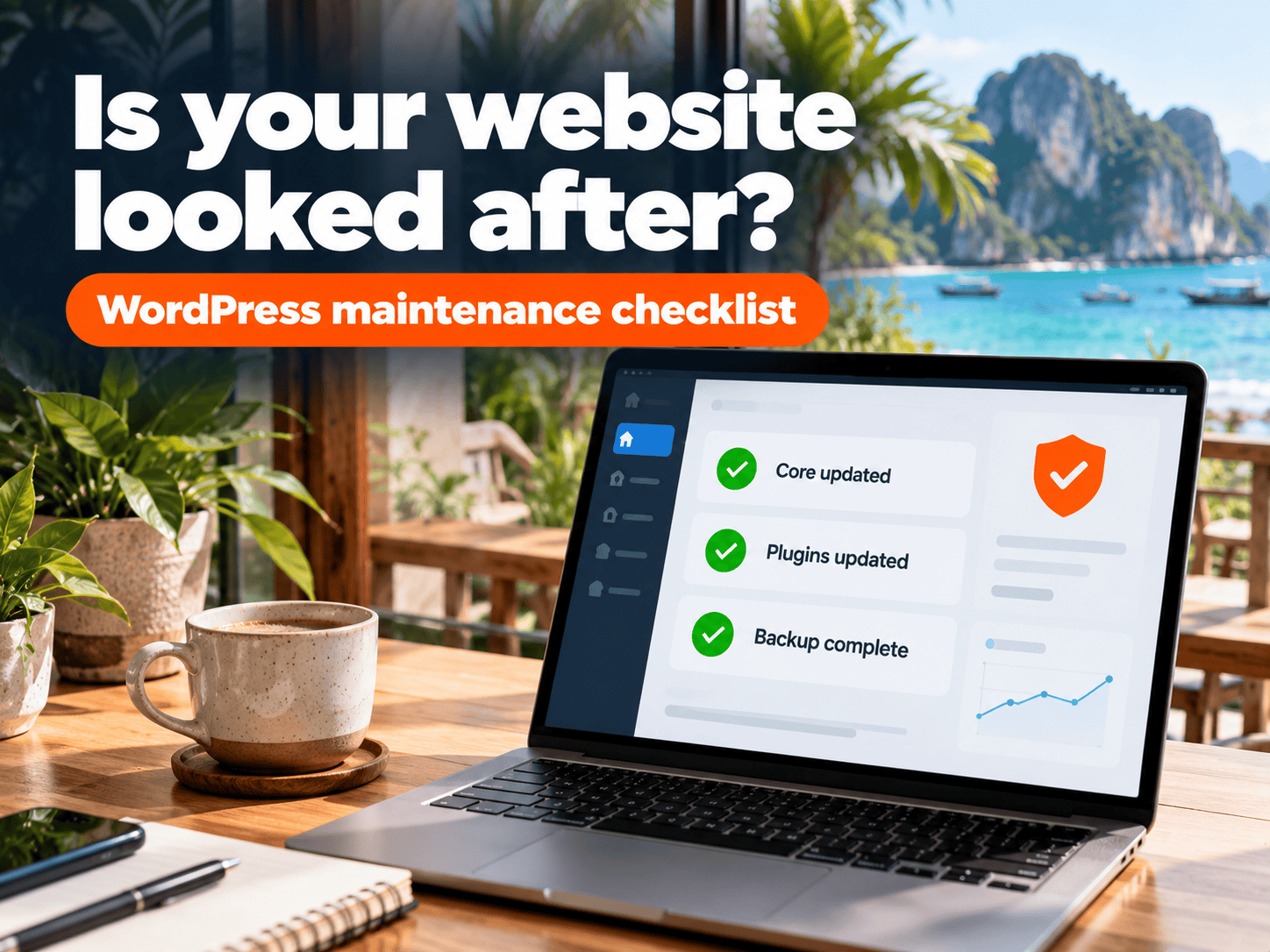
Every time a critical PHP or WordPress plugin vulnerability hits the news, site owners ask the same two questions: is my website safe, and who is supposed to update it? Here are clear answers and a checklist you can use right away.
The short answer: a WordPress site isn’t something you build once and leave. Someone needs to update it at least monthly, and you need a backup you can actually restore.
Why an unmaintained website is at risk
WordPress powers more websites than any other system, so once a vulnerability is public, attackers scan the web automatically for sites that haven’t updated. They don’t pick big brands; they pick unpatched sites.
That’s why small business sites get hit more than owners expect: spam links injected, visitors redirected, Google “not secure” warnings, or the site going down just as guests are trying to book.
The three layers of a WordPress site
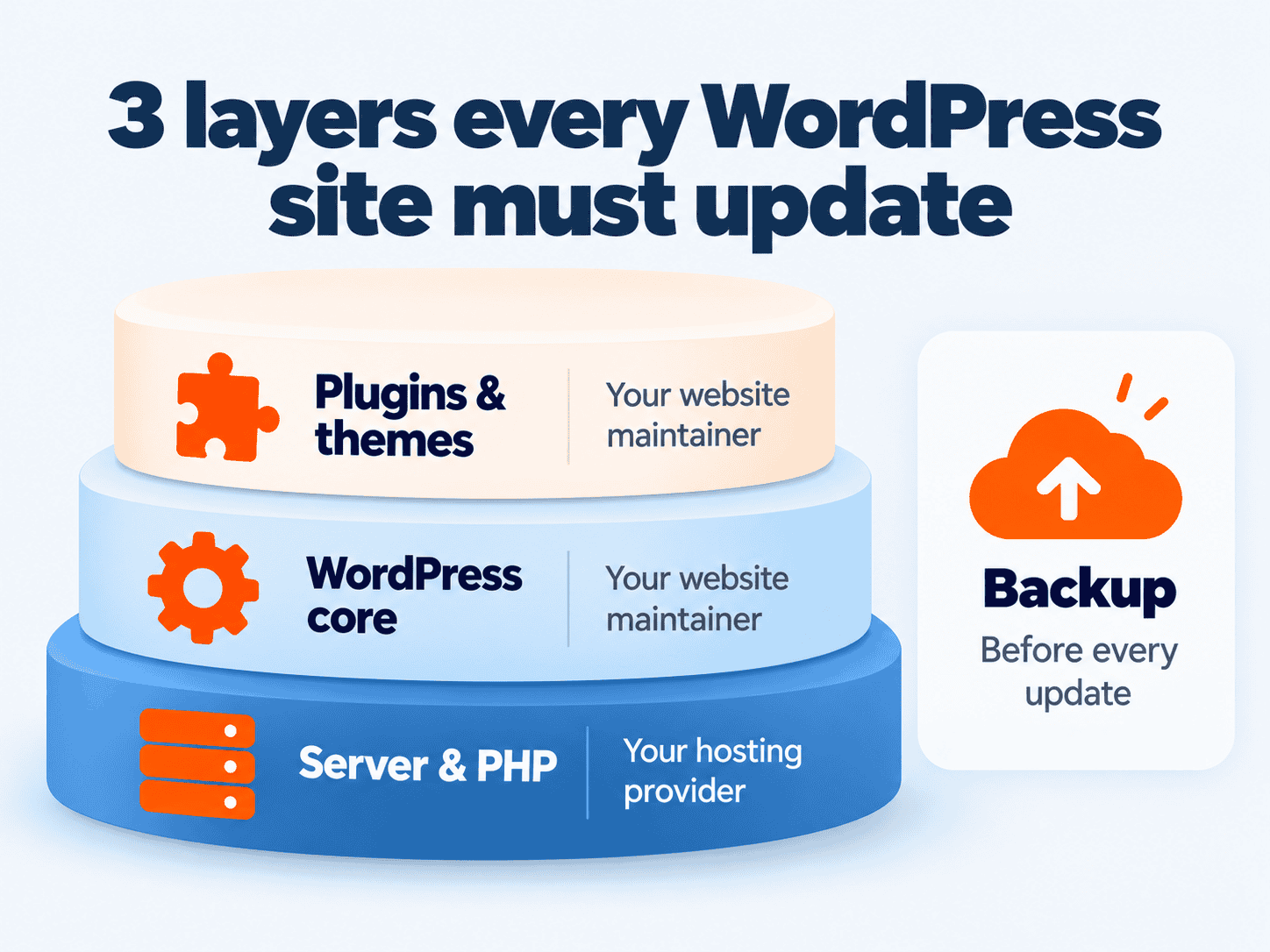
Many owners think clicking “Update WordPress” is enough. There are actually three layers, and each has a different owner.
| Layer | What it is | Who owns it | If not updated |
|---|---|---|---|
| 1. Server & PHP | The language and system WordPress runs on | Hosting provider | Server-level holes affecting every site on that server |
| 2. WordPress core | The content management system itself | Site maintainer | Missing security patches and fixes |
| 3. Plugins & themes | Add-ons such as forms, booking, SEO | Site maintainer | Where most vulnerabilities appear |
| + Backup | Copy of files and database | Site maintainer | No way back if the site breaks |
PHP vulnerabilities are fixed on the server; plugin vulnerabilities are fixed on the site
A PHP vulnerability lives on the server, so your hosting provider must patch it. A vulnerability in a plugin or in WordPress itself is for whoever maintains your site.
Where most vulnerabilities come from
Patchstack’s annual WordPress security reports have found year after year that over 90% of reported WordPress vulnerabilities are in plugins and themes, with WordPress core accounting for a very small share.
So sites with lots of plugins, or plugins their developers no longer maintain, carry more risk. Good maintenance isn’t only clicking “update” — it’s also removing unused plugins and replacing abandoned ones.
Critical vulnerability news: what to do within 24 hours
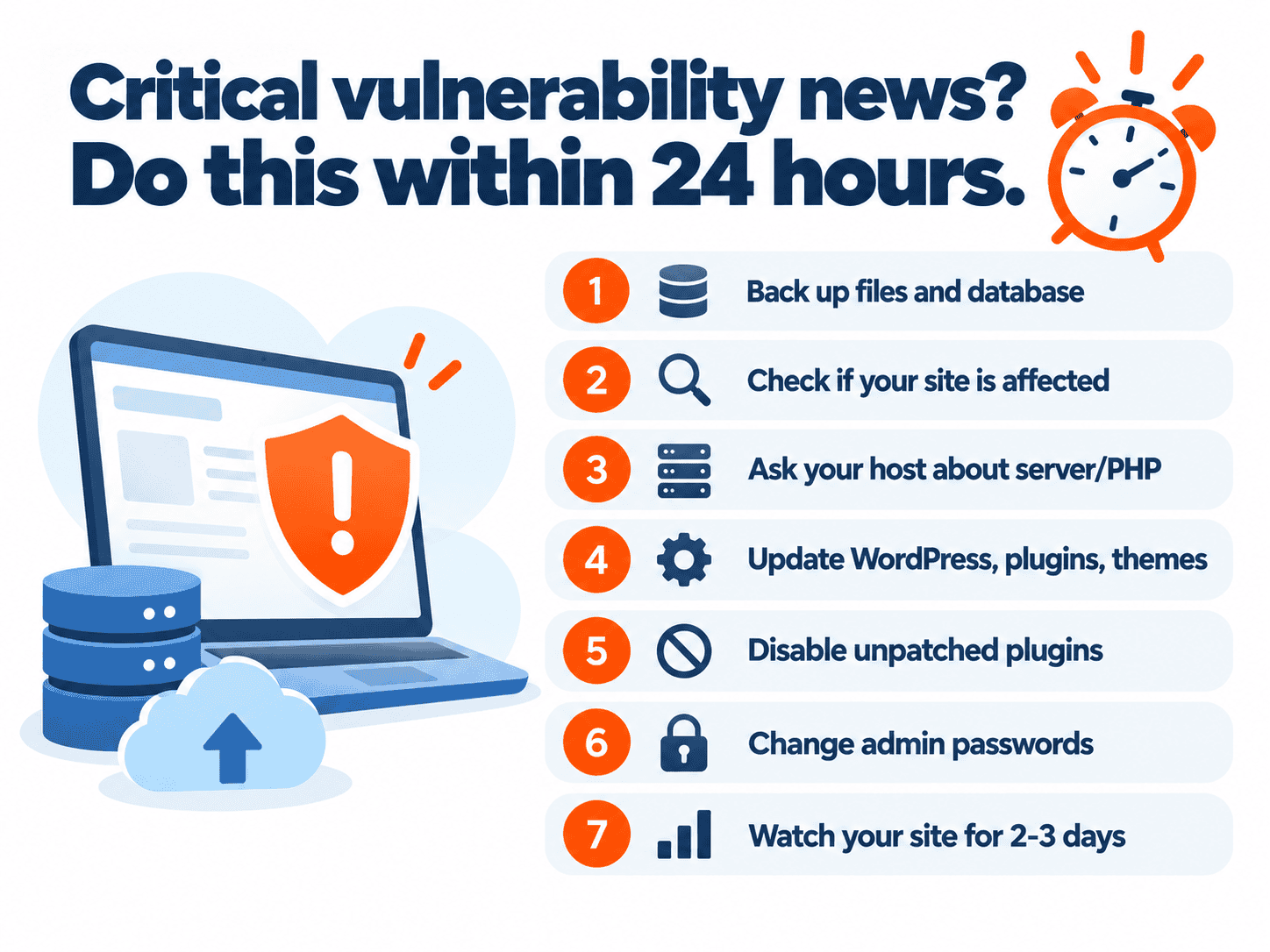
- Back up first — files and database, stored off the server.
- Check whether you’re affected — your PHP version, or the plugin named in the news.
- Ask your host about server-level or PHP issues: when they’ll patch, and what temporary protection is in place.
- Update WordPress, plugins and themes that have patches; test key pages afterwards (home, contact form, booking).
- Temporarily disable vulnerable plugins that have no patch yet, if it won’t stop sales.
- Change admin passwords and remove unused user accounts.
- Watch the site for 2–3 days for strange pages, links or Search Console warnings.
Can you maintain it yourself?
Yes, if you have the time and know the system. Most owners make the same mistakes: updating without a backup and breaking the site, or never updating at all for fear of breaking it.
| Aspect | Do it yourself | Monthly maintenance plan |
|---|---|---|
| Cost | ฿0 but your time | Monthly or yearly fee |
| Consistency | Often skipped when busy | A fixed monthly update cycle |
| Update breaks the site | You fix it; without a backup you may not recover | Backup on hand and someone to fix it |
| Best for | Teams with someone who knows WordPress | Sites that sell or take bookings, with no tech team |
What a maintenance plan can and can't do
We’ll be straight: nobody can guarantee a site will never be attacked.
It can:
- Cut risk significantly, because most vulnerabilities are closed by regular updates.
- Keep a recent backup, so problems can be rolled back fast.
- Make sure someone checks the site still works after each update.
It can’t:
- Fix hosting, server, domain or email problems — those belong to the respective provider, including PHP version updates.
- Guarantee the site will never be attacked; cleaning up after an attack is assessed case by case.
What Deemmi Care covers
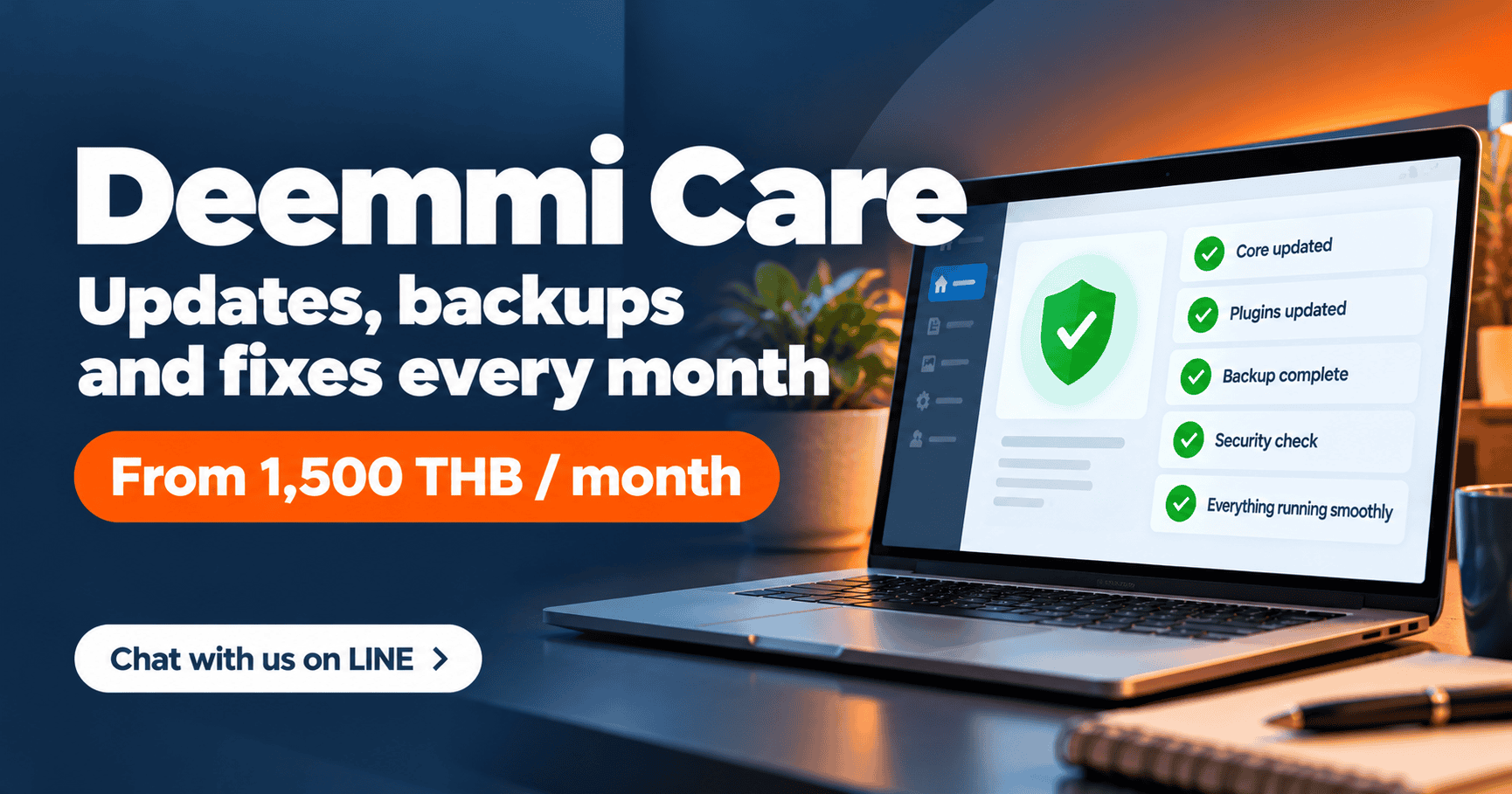
Deemmi Care is Deemmi’s website care and warranty programme. Clients who build with us get 30 days of care free after handover, then can continue monthly or yearly.
| Plan | Price | What's included |
|---|---|---|
| Initial care | Free 30 days | Automatic for Deemmi-built sites after handover: bug fixes, function checks, CMS guidance |
| Monthly | ฿1,500 / month | Everything in initial care + WordPress & plugin updates + monthly backup + 2 articles uploaded per month · no minimum contract |
| Yearly (best value) | ฿15,000 / year | Same as monthly, paid yearly for a lower total |
| One-off (non-members) | From ฿1,500–2,500 | A specific fix, up to 2 hours |
Monthly and yearly plans include up to 2 hours of fixes and support per month (no rollover) · Not covered: hosting, server, domain, email, or damage from attacks
Report issues via LINE OA @deemmi; the team sends a help-desk form and replies with a fix plan within 1–2 business days.
Ask about Deemmi Care on LINE or message us on WhatsApp. If your current site is very old or relies on several abandoned plugins, it may be better value to start with a new WordPress website with Deemmi.
Summary
A WordPress site has three layers. The server and PHP belong to your host; WordPress, plugins, themes and backups belong to whoever maintains the site. When critical vulnerability news breaks, back up first, then update. A maintenance plan won’t make a site 100% safe, but it lowers the risk a lot and gets you back online fast when something goes wrong.
FAQ
How often should a WordPress site be updated?
At least monthly for WordPress core, plugins and themes, and immediately when a critical vulnerability affects something your site uses. Always back up before updating.
Who fixes a PHP vulnerability?
Your hosting provider or server administrator, because PHP runs on the server, not inside WordPress. Contact your host to ask when they’ll patch and what temporary measures are in place.
Does a small website need a maintenance plan?
Not if someone on your team updates and backs up consistently. If nobody does, a monthly plan usually costs less than fixing a hacked site or losing sales while it’s down.
How much is Deemmi Care?
฿1,500 per month with no minimum contract, or ฿15,000 per year. Both include WordPress and plugin updates, monthly backups, bug fixes and up to 2 hours of support per month.
Can Deemmi Care look after a site Deemmi didn't build?
Message us on LINE and we’ll assess the site first. For non-members there’s a one-off service from ฿1,500–2,500 for tasks up to 2 hours.
Sources
- Patchstack, State of WordPress Security (annual report)
- WordPress.org, Hardening WordPress and Updating WordPress (official documentation)
- PHP.net, Supported Versions