Skip to content

Yes, you can build a website with AI, and it takes far less time than it used to. Describe your business and an AI tool drafts pages, copy and images in minutes. But a site that looks finished and a site that customers can find, contact you through and trust are still several steps apart. This guide covers the three ways to build with AI, the steps from first prompt to launch, and where a person still needs to check the work.
Can you really build a website with AI?
You can, if the goal is a business site of one to a few pages with contact details and an enquiry form. Owners with no coding background do this on their own.
What AI speeds up is building. What still needs someone responsible is launching and looking after the site: connecting a domain, making sure forms reach a real inbox, checking security and helping Google understand the pages. That second group is where most people get stuck.
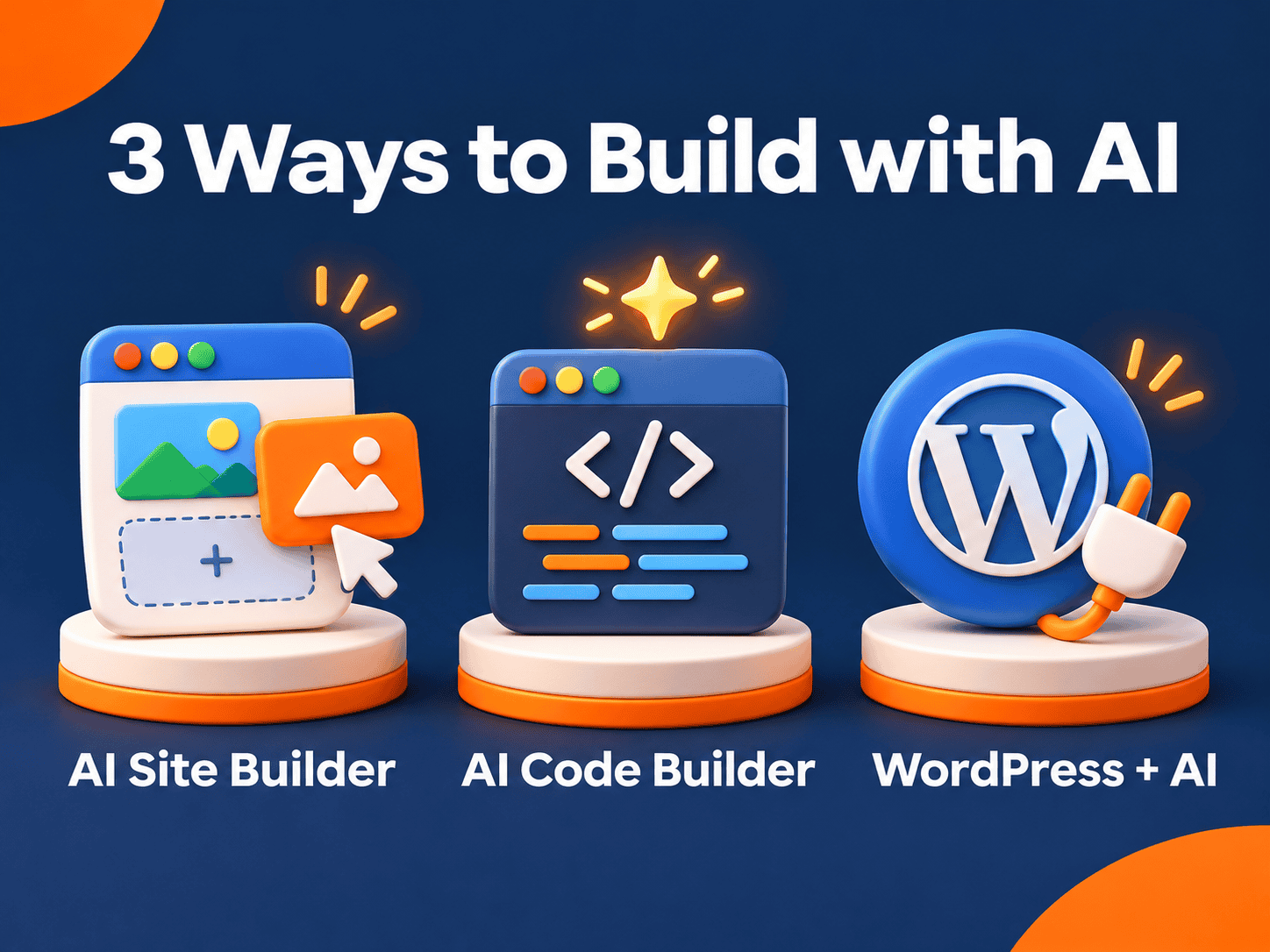
Three ways to build a website with AI
“Building a website with AI” covers three kinds of tools that work very differently. Choosing the wrong kind at the start is the main reason a project stalls later.
| Approach | Examples | Best for | Main limit |
|---|---|---|---|
| Website builder with AI built in | Wix, Hostinger, Squarespace | A business site of one to a few pages | The site lives on that platform, so leaving usually means rebuilding |
| AI tool that writes the code | Lovable, Bolt, v0 | Prototypes, web apps, custom systems | Deployment, database and security are yours to manage |
| WordPress with AI assistance | Elementor AI and AI writing assistants | A business site that will grow: articles, languages, bookings | Needs regular updates and backups |
Website builders with AI built in
Examples are Wix, Hostinger and Squarespace. Answer a few questions, get a site, then edit by drag and drop. Hosting and SSL are usually part of the plan. This suits a simple business site. The trade-off is that the site lives on that platform, so leaving usually means rebuilding.
AI tools that write the code from a prompt
Examples are Lovable, Bolt and v0. You describe what you want and the AI writes a full site or web app. It is far more flexible than a builder and the code can be exported. This suits prototypes, custom tools and anything a builder cannot do. The trade-off is that deployment, the database and security become your job.
WordPress with AI assistance
WordPress is the base, and AI helps draft pages, copy and images, for example with Elementor AI. You own the site, can move hosts, and can add a blog, more languages or bookings later. This suits a business site that needs to grow. The trade-off is that someone has to keep it updated and backed up. See what WordPress maintenance involves.
How to build a website with AI, step by step
1. Decide the one thing visitors should do
Pick one main action: message you on LINE or WhatsApp, request a quote, or book. Every page the AI builds should lead to it.
2. Gather your real business information
Services, prices or price ranges, service area, real photos, real reviews and the questions customers ask most. AI writes fluent copy but does not know your facts. Without them it produces generic text that reads like every other site, or invents details.
3. Pick the tool that fits the job
A few pages about your business: a website builder. A custom system: an AI code tool. A site that needs articles, several languages or ongoing SEO: WordPress.
4. Prompt section by section and check every page
Working one page or one section at a time gives better results than asking for the whole site at once. Read every line before you publish, especially prices, phone numbers, addresses and promises your business does not actually make.
5. Connect your domain, SSL and form email
Register the domain in your own business name, point it to the site, confirm it loads over HTTPS, then submit your own form and check the message arrives. This is the step where do-it-yourself sites most often stall, because it involves DNS and email delivery settings. AI can explain them but cannot do them for you.
6. Test on mobile and submit the site to Google
Open every page on a real phone and tap every button. Then add the site to Google Search Console and submit a sitemap. Skip this and the site can sit for weeks before Google crawls it.
Limits of AI-built websites to know before you start
| Task | AI does well | A person should check |
|---|---|---|
| Layout and design | A first draft in minutes | That it fits the brand and does not look like every other site |
| Content | Drafting and polishing copy | Facts, prices and real business experience |
| Code and features | Writing code that runs | Security flaws and how customer data is stored |
| SEO | Drafting titles and meta descriptions | The words customers really search, page structure and speed |
| After launch | Explaining how to fix a problem | Doing the fix, backups and updates |
Security of AI-written code
Security research that tests many AI models keeps finding the same pattern: AI writes code that runs almost every time, but the share of that code with security flaws stays high and has not improved as the models got better. For a site owner, “it works” does not mean “it is safe”.
If the site has forms, logins or stores customer data, have someone review it before launch, and never leave passwords or API keys in front-end code. If a site has already been compromised, see what to do when your website is hacked.
AI content and Google rankings
Google does not ban content written with AI. What breaks its policies is using AI to produce many pages that add no value for readers. A business site where AI wrote every page with none of the owner’s real information tends not to rank, because nothing on it differs from other sites.
The fix is to let AI draft, then add what only your business knows: prices, how you actually work, results and where you operate. To be picked up by AI search as well, read what GEO is.
Ownership and moving away
Ask three questions before choosing a tool. Whose name is the domain in? Can you export the code or content? What happens to the site if you stop paying? Most website builders do not let you take the whole site with you. AI code tools usually do, but the code then needs somewhere to live and someone to maintain it.
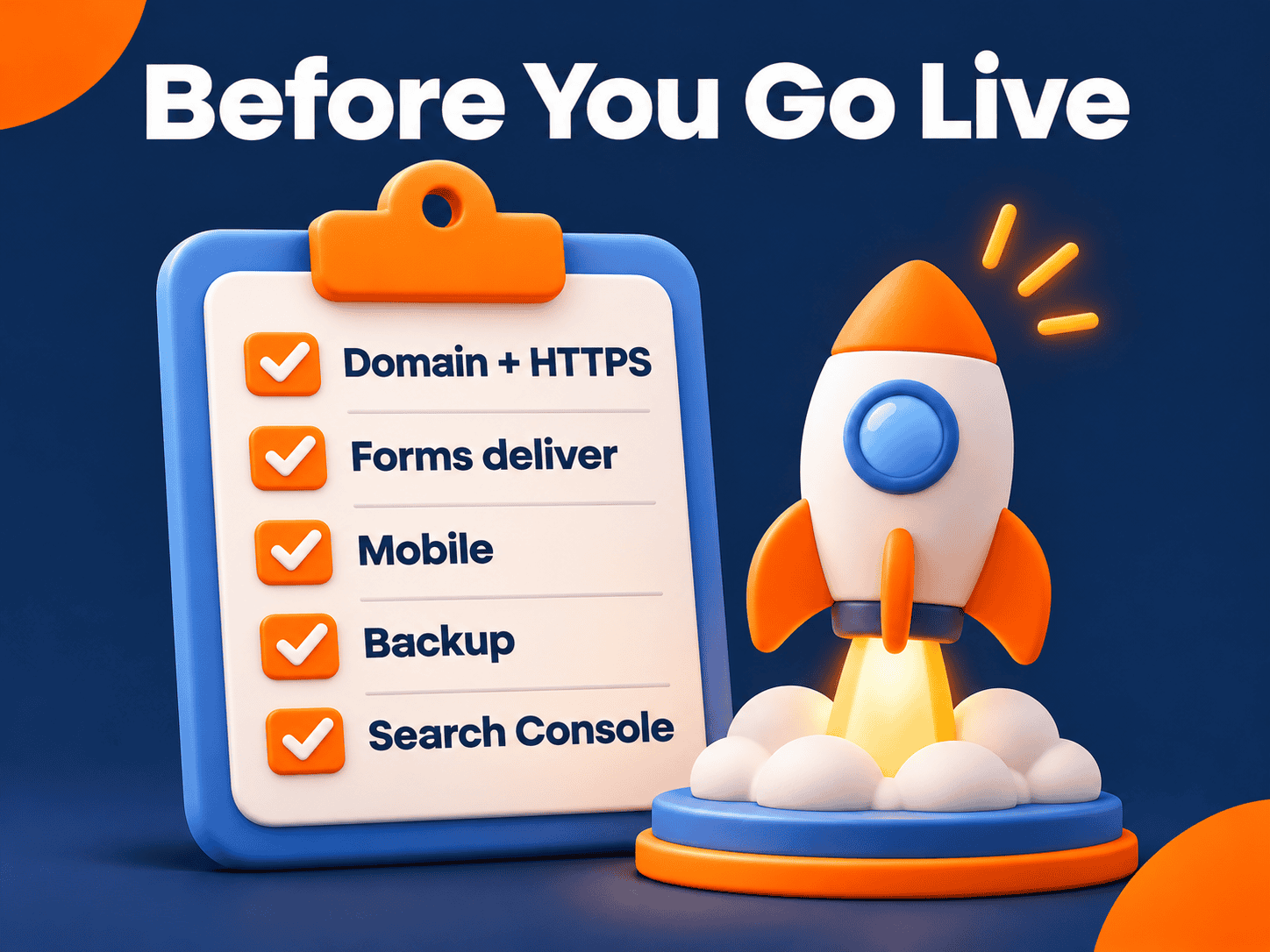
Launch checklist for an AI-built website
- The domain is registered in your business name and the site loads over HTTPS
- Every form delivers to a real inbox, and you have tested it yourself
- Every page reads well and works on a phone
- Every page has a title and meta description you wrote, not a default
- Phone, address, prices and LINE or WhatsApp links are correct
- If forms collect personal data, there is a privacy policy page that states the purpose, as Thailand’s PDPA requires
- No passwords or API keys in front-end code
- You hold a copy of the site or an export of the code
- The site is added to Google Search Console with a sitemap submitted
Stuck with an AI-built website: fix it yourself or get help?
Problems you can usually solve by asking the AI are about looks, wording and layout.
Problems worth handing to someone are the ones where a mistake takes the site down or exposes data: the site will not deploy, the domain or SSL is not working, forms do not send email, the site is very slow, or you suspect it is not secure.
Those are the cases Deemmi Fix website repair audits for AI-built sites. It starts with an audit, and you get a plain-language report of what is wrong and a fixed price before deciding. Writing new features or large code changes is outside repair work. If that is what the site needs, a rebuild is usually better value.
DIY with AI or hire a web team?
Building it yourself with AI suits a new business, an idea you are testing, an owner with time to learn, and a site that is not yet the main sales channel.
Hiring suits a site that brings in customers, needs to rank on Google, needs several languages or bookings, or an owner with no time to maintain it. Web teams use AI too. What you add is someone accountable for structure, security and launch. See WordPress website design by Deemmi, or read AI builder vs agency for a closer look at the drawbacks.
Summary
Building a website with AI works and it is fast. Choose among the three approaches by the job, give the AI your real business information, and check every page before it goes live. Watch three things: security, content that says nothing other sites do not, and who owns the site. If you have built one and are stuck on launch, domain, forms or security, send the link to Deemmi Fix for an audit. To start again on a solid base, see WordPress website design and message Deemmi on LINE or WhatsApp.
FAQ: building a website with AI
Can I build a website with AI for free?
Many tools let you build for free, but using your own domain and publishing usually needs a paid plan, and the yearly domain fee is separate.
Can an AI-built website rank on Google?
Yes. Google does not ban sites made with AI, but the site needs useful content with your real business information, fast pages, and to be submitted through Search Console.
Do I need to code to build a website with AI?
Not to create the pages. Connecting a domain, setting up form email and checking security need basic technical settings, or someone to help.
Are AI-built websites secure?
A simple business site on a website builder is low risk because the provider runs the system. A site where AI wrote the code and customer data is stored should be reviewed before launch.
Can I move an AI-built site to WordPress later?
Yes, but it is a rebuild that uses your existing content and design as the reference. There is no automatic migration from an AI tool to WordPress.