Skip to content

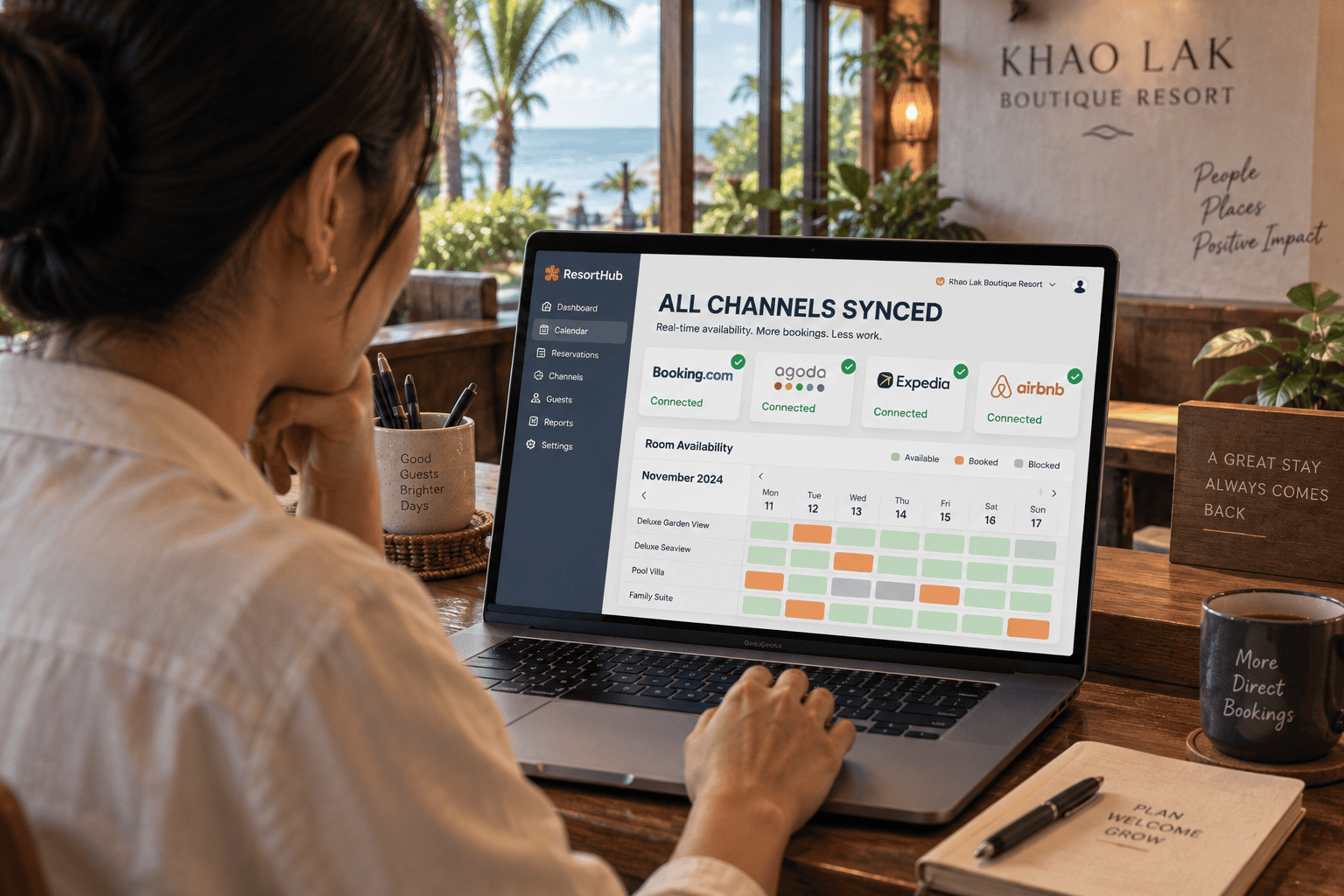
If you run a property and sell on Booking.com, Agoda and Airbnb at the same time — and you’re still closing rooms platform by platform after every booking — you’re doing work a system can do for you. Here’s what a channel manager is, how it works, and exactly where your own website fits into the picture.
What a channel manager actually does
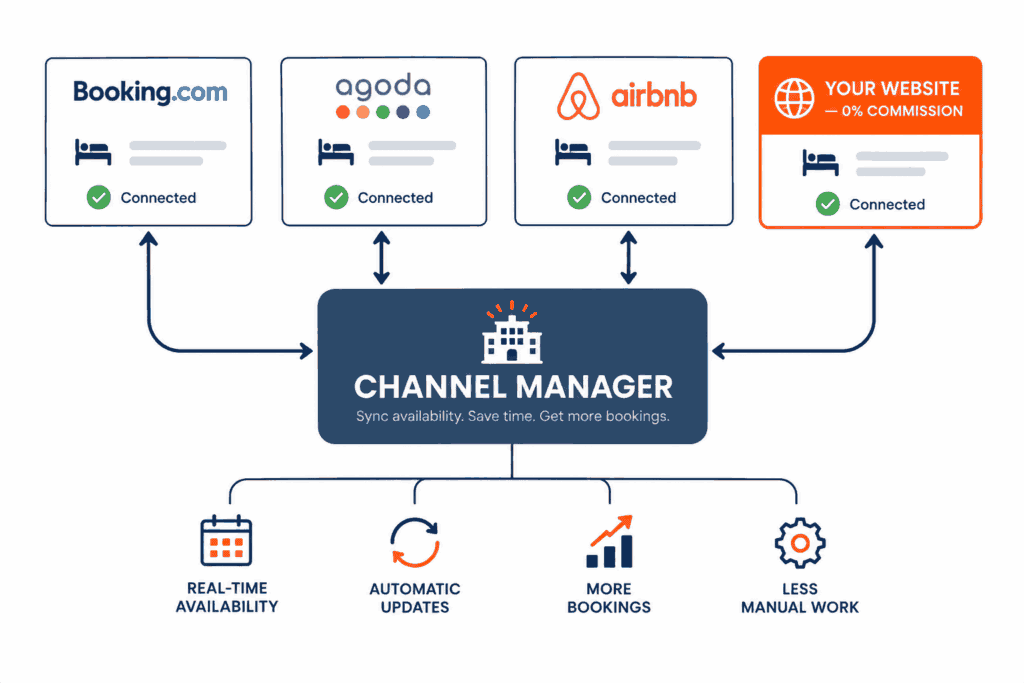
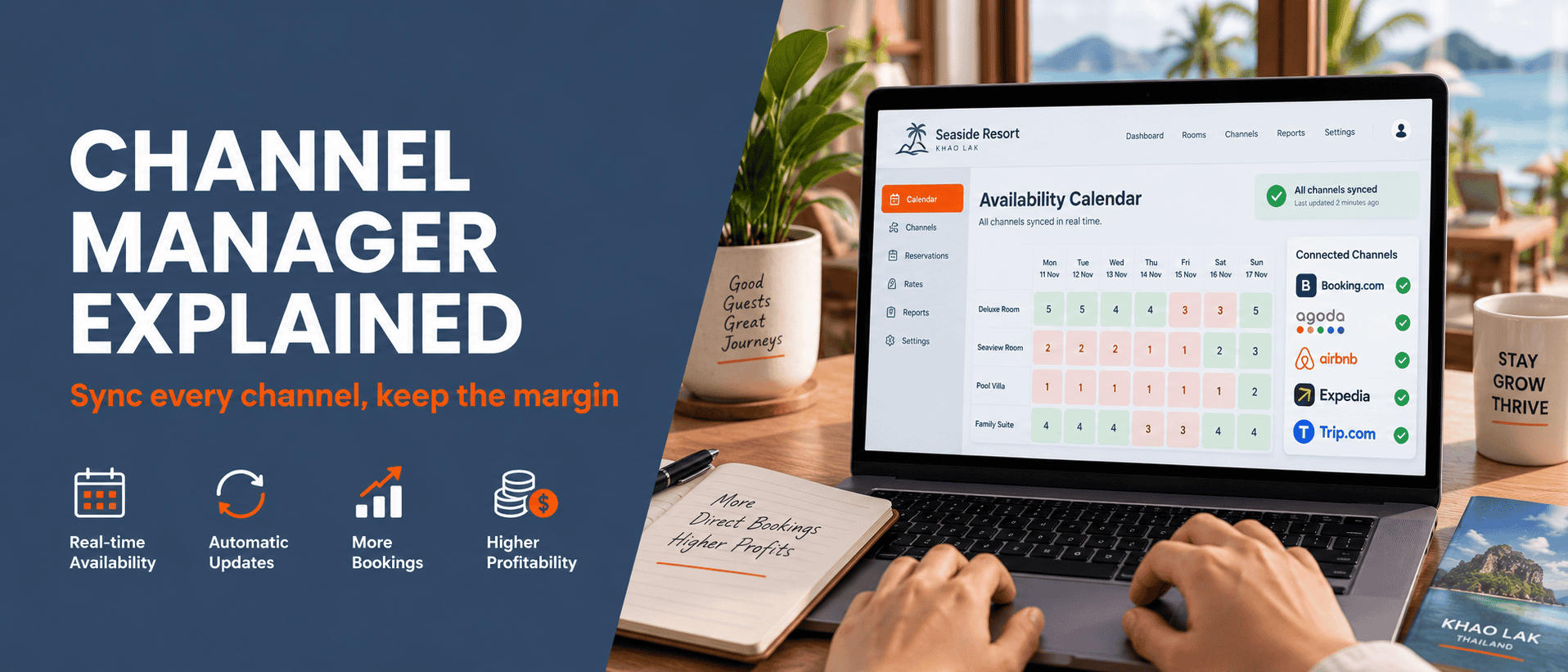
A channel manager is the middle layer that syncs your availability and rates across every sales channel automatically.
Instead of updating rooms in Booking.com, then Agoda, then Expedia, then Airbnb, then your own site — you update once, and it pushes everywhere within seconds. And when a booking comes in from any channel, the room is instantly removed from all the others.
Why any property selling on multiple channels needs one
Problem 1: Overbooking
One guest books your last room on Agoda at 22:15. Another books the same room on Booking.com at 22:17, before you can close it. Now you’re apologising, relocating a guest, covering the difference and absorbing a one-star review. A single overbooking usually costs more than a year of the software.
Problem 2: Rate mismatches
You raise rates for high season on Booking but forget Agoda — and sell the same room too cheap all season. Or the reverse: your own website is priced higher than the OTAs, so “book direct” gives guests no reason to choose you.
Problem 3: Hours lost to manual updates
A 15-room property on four channels means four updates every time something changes, several times a day. In high season those hours belong to your guests, not to a spreadsheet.
Where your direct booking website fits in
Many owners assume a direct booking site is just one more channel to maintain. It’s the opposite. Once connected to your channel manager, your website behaves exactly like an OTA — same live availability, same rates, synced automatically — except it charges you no commission.
The correct architecture: the channel manager sits in the middle → out to every OTA → and into the booking engine on your site. So the last room sold through your own website disappears from Booking.com automatically too.
Every property website our Krabi and Khao Lak & Phang Nga teams build is designed to connect to a channel manager from day one — see the commission maths in our OTA commission article.
Channel managers Thai properties actually use
Budget tier (small properties, 5-20 rooms)
Beds24, Hotel Link, or the entry plans from Thai providers. Good for small properties on 2-4 channels. Usually priced per room per month, from a few hundred baht upward.
Mid tier (hotels, 20-60 rooms)
SiteMinder, Cloudbeds, eZee — more complete, often with a built-in PMS, detailed reporting and a long list of supported OTAs. Right for properties with a front-desk team who want one system for everything.
Enterprise / hotel groups
Systems that tie together PMS, POS, revenue management and multiple properties. Expensive and staff-intensive — more than almost any independent Andaman property needs.
How to choose one that connects properly to your website
- Does it include a booking engine? Some only sync OTAs and charge extra for the booking page on your own site.
- How does it embed? A full-page iframe is hard to optimise for SEO and rarely matches your design. An API or widget gives you a far better-looking result.
- English interface and foreign currencies? Essential for the European market on the Andaman coast.
- Is there support in your timezone? When something breaks mid-season you don’t want to wait on email across timezones.
- How is it priced? Flat monthly vs. commission on bookings makes a big difference if your goal is to grow direct bookings.
Connecting your direct booking site: step by step
- Set up the channel manager and connect all the OTAs you already use.
- Verify rooms and rate plans match everywhere — skip this and you’ll chase pricing bugs for months.
- Embed the booking engine on your site — put a visible “Book now” on every key page, not buried on one.
- Give direct booking an edge — a slightly better rate, or perks like early check-in or an airport transfer, so guests have a reason to choose your site.
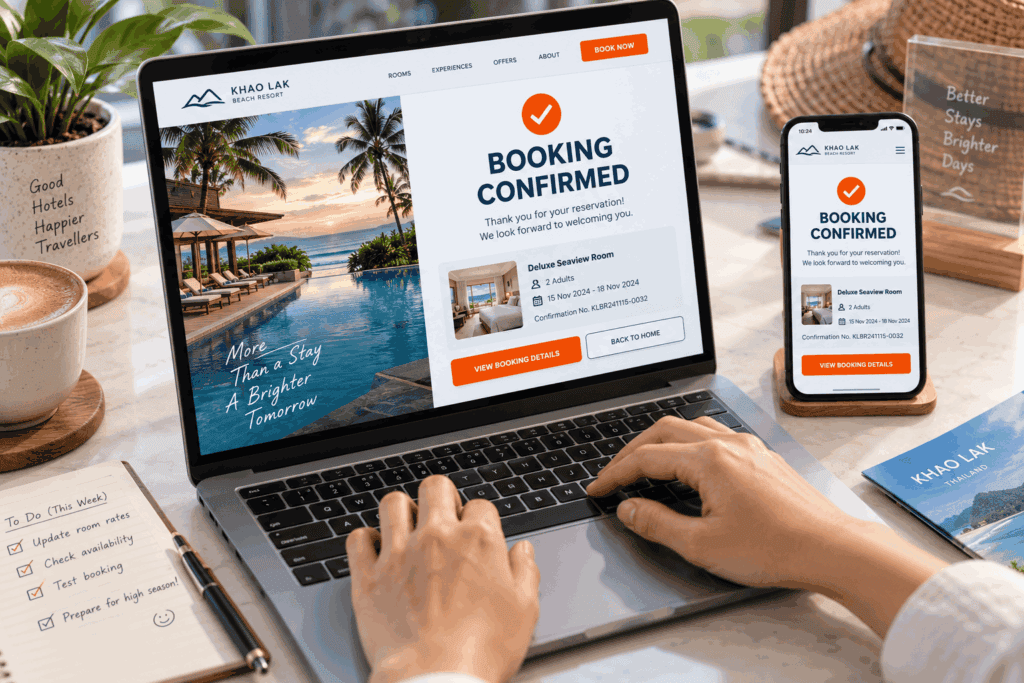
- Make one real test booking on both mobile and desktop, then confirm the room disappears from the OTAs.
- Add tracking so you can see where direct bookings come from (see website + booking system pricing).
FAQ
The channel manager syncs availability and rates across channels. The booking engine is the reservation form on your own website. Different jobs, but they must work together — some vendors sell both, some don’t.
Not if you sell on a single channel. But from two channels up — especially if you’ve ever had an overbooking — a few hundred baht a month costs far less than one relocated guest.
Small properties: a few hundred to ~฿1,500/month. Mid-size hotels: ฿2,000-6,000/month depending on rooms and features. Less than the OTA commission on a handful of nights.